
Screenshots
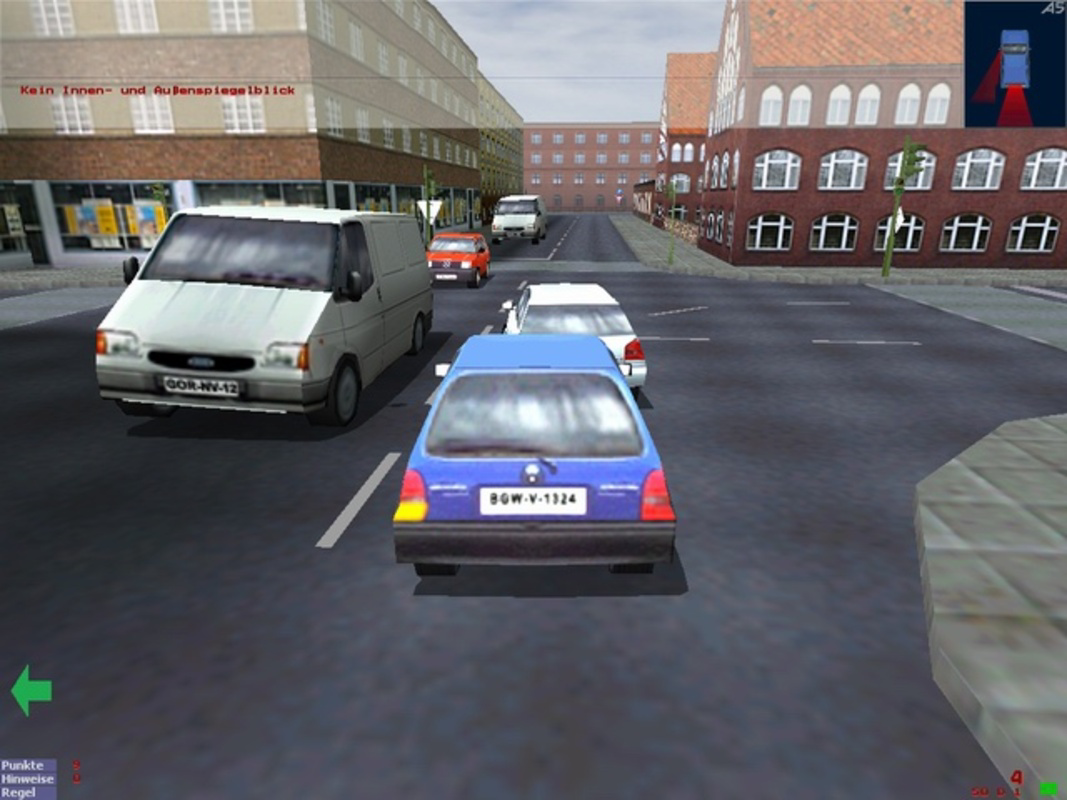
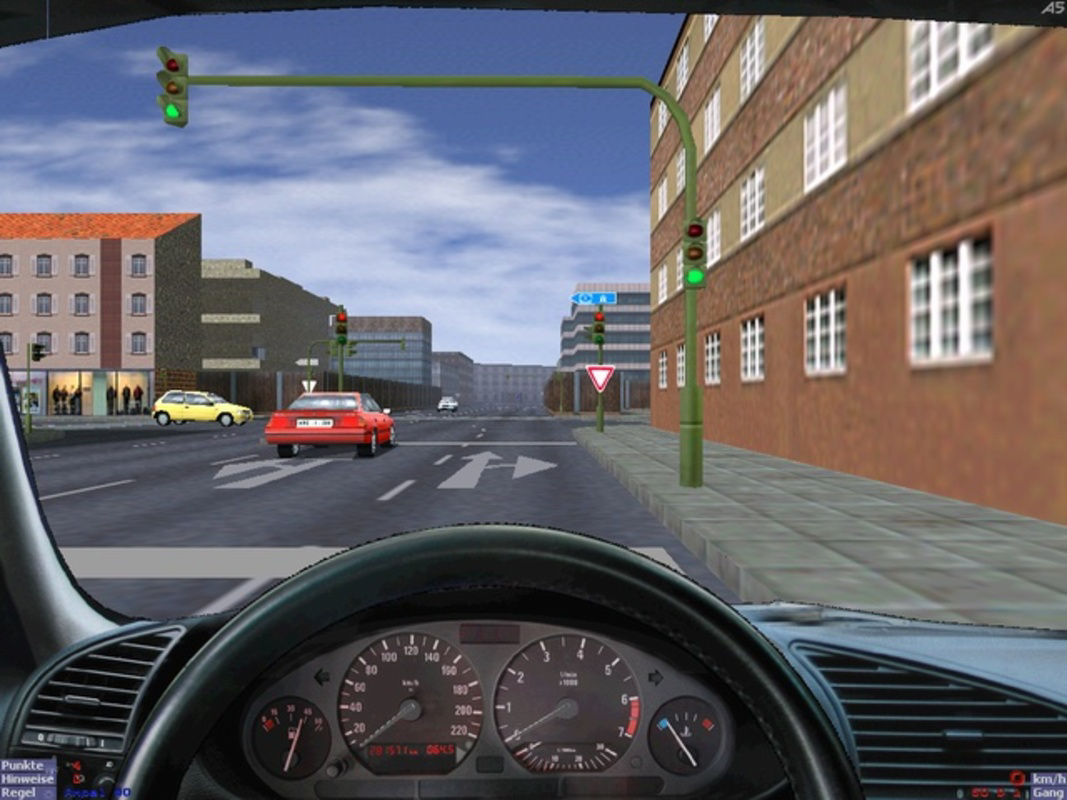
App details
- Updated
- Feb 13, 2011
- Language
- English,German
- Developer
- 3D-Driving School
- Category
- Mobile
SoftPas in:
This product is also available in the following languages:
About 3D-Simulator
Download 3D-Simulator – driving simulator, driving test prep, vehicle control customization, realistic driving experience, low system requirements, diverse driving scenarios
Overview
3D-Simulator is a mobile application designed specifically for individuals preparing for their driving tests. Unlike traditional gaming-focused simulators, this app prioritizes educational value, offering a structured environment for learners to practice essential driving skills. Its primary purpose is to bridge the gap between classroom theory and real-world driving by simulating a range of traffic conditions and vehicle behaviors. The app targets aspiring drivers, especially students and new learners, who seek a low-pressure, repeatable way to build confidence behind the wheel. By offering customizable controls and varied scenarios, it supports different learning paces and preferences.
Although the developer, 3D-Simulator, did not provide additional background details, the app’s longevity—first released in 2011—suggests a stable, focused approach to driver education. The app’s continued presence on the Android platform indicates consistent maintenance and relevance. Real-world use cases include pre-test preparation, skill reinforcement, and practice in unfamiliar environments such as urban intersections, highway merges, and varied traffic regulations. In the broader app ecosystem, 3D-Simulator occupies a niche role as a utility tool rather than a recreational game, fulfilling a clear need for accessible, educational mobile content in driver training.
Key Features & Functionality
- Highly Configurable Controls: Users can adjust steering sensitivity, throttle response, and button layouts to match their physical comfort and preferred driving style. This allows learners to simulate real vehicle handling while adapting to personal preferences, enhancing muscle memory and control precision.
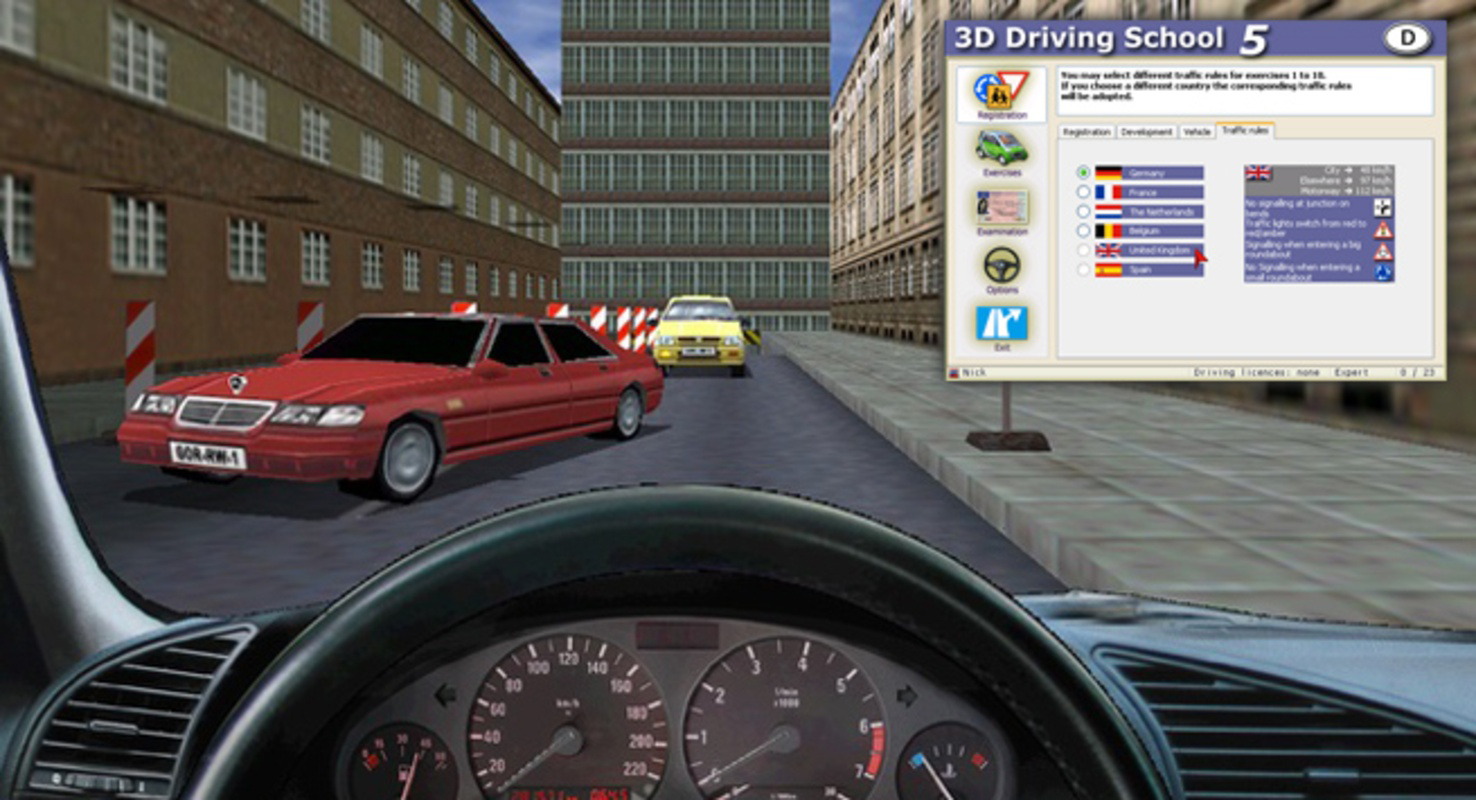
- Diverse Driving Scenarios: The app includes multiple city environments and traffic rule sets, enabling users to practice in different conditions—such as roundabouts, one-way streets, and varying speed limits. This exposure helps learners anticipate real-world challenges during official driving tests.
- Multiple Vehicle Options: Learners can switch between cars and motorcycles, allowing them to explore different vehicle dynamics and handling characteristics. This flexibility supports comprehensive skill development across vehicle types.
- Low System Requirements: Designed to run efficiently on modest hardware, the app ensures accessibility for users with older or budget-friendly devices. This feature broadens its reach, particularly among students and individuals with limited access to high-end smartphones.
- Realistic Driving Experience: The simulator emphasizes accurate vehicle physics and traffic behavior over flashy graphics or fast-paced action. This focus on realism supports effective skill acquisition by mirroring actual driving mechanics, including braking, acceleration, and lane discipline.
Each feature is tailored to support deliberate practice. For example, a user preparing for a motorcycle test can practice tight turns and balance control in a safe digital space. Similarly, a new driver can repeatedly practice parallel parking in a simulated city center without real-world risks.
Interface, UX & Performance
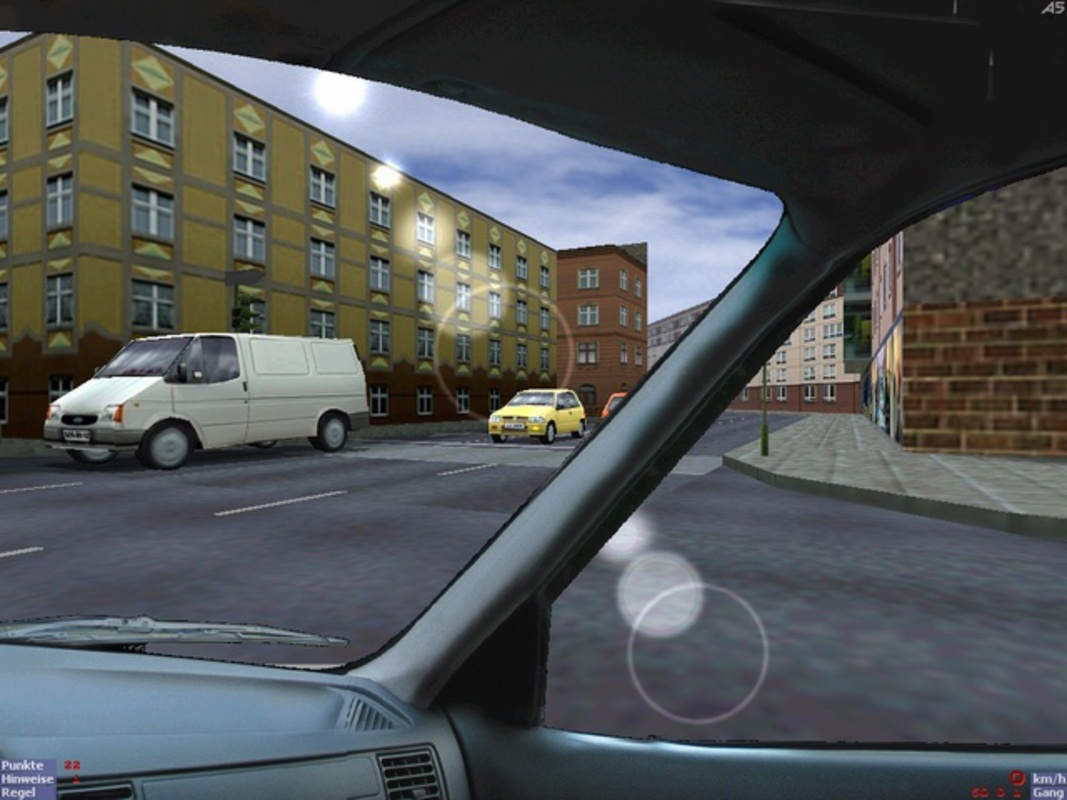
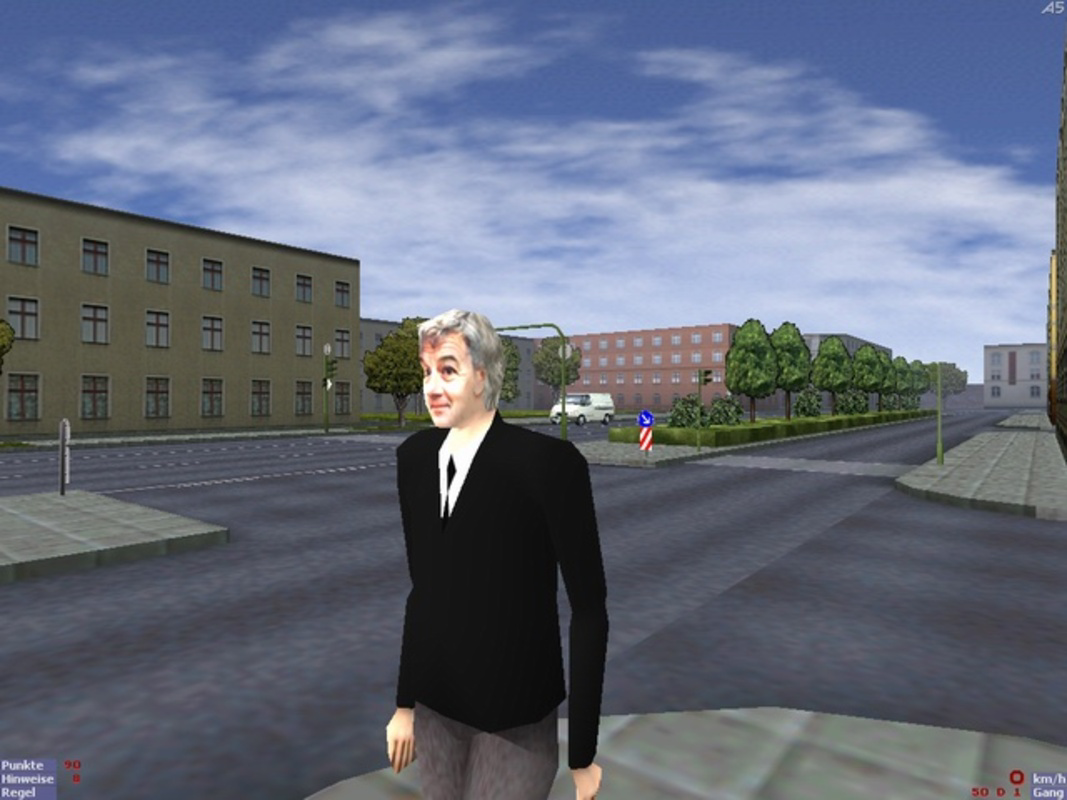
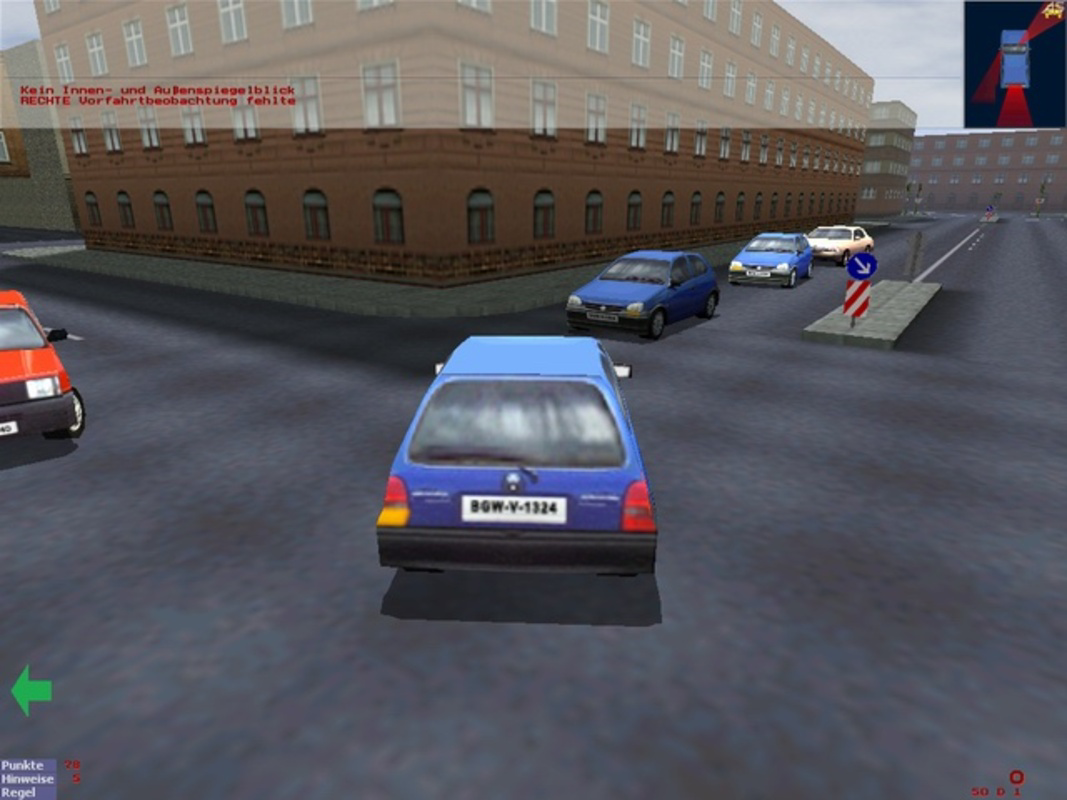
The user interface of 3D-Simulator appears designed with functionality over aesthetics, prioritizing clear access to controls and scenario selection. Navigation is straightforward, with menu-based access to vehicle types, driving modes, and settings. The visual style is minimalistic, focusing on essential driving cues such as speedometers, lane markers, and traffic signs, which reduces distractions and maintains focus on learning objectives.
Although the developer did not list formal performance metrics, the app’s long-standing presence and low file size (120.8 MB) suggest efficient resource usage. It is likely optimized for smooth operation across a wide range of Android devices, including older models. Responsiveness appears consistent based on its core functionality, with minimal lag during control inputs and scene transitions. Stability is implied by the app’s continued availability since 2011, though specific crash reports or update frequency were not disclosed. Users can expect a reliable experience focused on usability rather than graphical polish.
Platform Compatibility & Technical Requirements
3D-Simulator is available exclusively on the Android platform. The app’s current version is 1.0, with a file size of 120.8 MB. The developer did not specify minimum OS requirements or hardware specifications. As such, compatibility with specific Android versions or device categories cannot be confirmed. However, the app’s low system requirements suggest it may function on devices running older Android releases, potentially extending its accessibility to a broader user base. Users should verify compatibility with their device’s OS version before installation.
Pros and Cons
Pros
- Free to download and use, making it accessible to a wide audience.
- Low system requirements allow operation on older or budget devices.
- Customizable controls support personalized learning and physical comfort.
- Multiple vehicle types (cars and motorcycles) provide diverse practice opportunities.
- Realistic driving mechanics enhance skill retention and test readiness.
Cons
- Only available on Android, limiting access for iOS users.
- No detailed information on minimum OS or device compatibility.
- Minimal visual polish may feel outdated compared to modern apps.
- Limited feedback mechanisms for performance evaluation.
- Version 1.0 suggests minimal updates or feature expansion over time.
FAQ
Is 3D-Simulator safe to download and install?
Yes, the app is available through official Android channels and is free from known malware. However, users should always download from trusted sources to ensure security.
Can I use 3D-Simulator on my iPhone or iPad?
No, the app is currently only available for Android devices. There is no iOS version released by the developer.
Does 3D-Simulator require an internet connection?
The app does not require an internet connection to function. All core features operate offline, making it ideal for practice in areas with limited connectivity.
How often is 3D-Simulator updated?
The developer has not disclosed update frequency. The current version is 1.0, released in 2011, which may indicate limited or no recent updates.
Is 3D-Simulator suitable for learning to drive a motorcycle?
Yes, the app includes motorcycle options, allowing users to practice handling, balance, and maneuvering in a simulated environment.
Final Thoughts
3D-Simulator stands out as a dedicated, no-frills tool for driver education. Its focus on realism, accessibility, and customization makes it a valuable resource for anyone preparing for a driving test. While it lacks modern polish and may not appeal to users seeking entertainment, its educational intent and low barrier to entry offer significant benefits. The app is particularly well-suited for students, new drivers, and individuals in regions with limited access to driving schools. With its free model and minimal system demands, it democratizes access to essential driving practice. For those prioritizing skill development over spectacle, 3D-Simulator delivers a reliable, functional experience.
Download 3D-Simulator now
Guides & Tutorials
How to install 3D-Simulator
- Click the Download button above.
- Once redirected, accept the terms and click Install.
- Wait for the 3D-Simulator download to finish on your device.
How to use 3D-Simulator
This software is primarily used for its core features described above. Open the app after installation to explore its capabilities.
User Reviews
No reviews yet. Be the first to share your experience.
You may also like
more
Que no te pillen¡
About !Que no te pillen¡Reviewed by Jason A. BilbreyShow MoreShow Less

3D Combat Zone
About 3D Combat ZoneOriginally released in 1983, 3D Combat Zone immerses players...

666: El día del portal
About 666: El día del portalOn June 6, 2006, Agent P. Stone uncovers a sinister...

80 in 1 Best Flash games
About 80 in 1 Best Flash games 80 in 1 Best Flash games is a collection of 80 fl...

ABYSS SEEKERーーWhat Do You See Deep in The Abyss
About ABYSS SEEKERーーWhat Do You See Deep in The AbyssIn ABYSS SEEKER, players...

ACA NEOGEO THE KING OF FIGHTERS 2002 for Windows
About ACA NEOGEO THE KING OF FIGHTERS 2002 for WindowsTHE KING OF FIGHTERS 2002,...